
Key Takeaways
IPTV stands for Internet Protocol Television—it delivers TV channels and video content over your internet connection instead of cable lines or satellite dishes.
ContentsKey TakeawaysWhat Is IPTV? (Core Definition)Introduction to IPTVHow IPTV Works (From Internet to Your Screen)Main IPTV Formats and Service TypesIPTV Architecture (Simple View, Expert Accuracy)IPTV Content and FeaturesIPTV vs Traditional TV and OTT StreamingPros and Cons of IPTV for ViewersIPTV and Consumer ChoiceHow to Start Using IPTV in 2026 (Step-by-Step)Using IPTV on Popular Devices (Smart TV, Box, Mobile)Security, Privacy, and Legal Considerations with IPTVCommon IPTV Problems and How to Fix ThemTips to Optimize Your IPTV ExperienceIs IPTV the Future of Television?FAQ: What Is IPTV and How Should You Use It?Is IPTV legal to use?Do I need a special IPTV box, or is my smart TV enough?How much internet data does IPTV use per hour?Can IPTV replace my cable or satellite subscription completely?What should I look for when choosing an IPTV provider?ConclusionIPTV includes three main viewing modes: live TV, catch-up/time-shifted TV, and video on demand, accessible across smart TVs, phones, tablets, and streaming boxes.
You need stable broadband: aim for 20-25 Mbps for HD streaming, 50+ Mbps for 4K or households with multiple simultaneous streams.
IPTV quality depends entirely on your connection speed and network stability—poor internet means buffering and pixelation, no matter how good the service.
Always choose licensed IPTV providers; unlicensed “cheap” services carry legal risks, malware exposure, and reliability problems that aren’t worth the savings.
What Is IPTV? (Core Definition)
IPTV, or Internet Protocol Television, delivers television programming over IP networks rather than traditional broadcast methods. Instead of receiving signals through coaxial cables, satellite dishes, or antenna towers, your TV content arrives as data packets over your broadband connection.
This technology enables service providers to deliver live channels and on demand content through the same infrastructure you use for web browsing and email. IPTV can come from telecom operators running managed networks with quality guarantees, or through internet-based streaming services and apps that work over the public internet. These platforms are a type of streaming service, making it easy to watch TV online.
Concrete examples make this clearer. Telecom-bundled IPTV includes services historically offered by providers like AT&T U-verse. Live TV apps like YouTube TV, Hulu + Live TV, and Sling TV deliver channels over your existing internet. Free ad-supported services like Pluto TV and Tubi also fall under the IPTV umbrella. With IPTV, users can access content conveniently on various devices, such as smart TVs, smartphones, tablets, and computers. IPTV typically requires a subscription, which can vary in cost depending on the service and content offered.
You’ll often hear “OTT” (over-the-top) mentioned alongside IPTV. All OTT is technically IP-based TV, but OTT specifically refers to apps running over the public internet without managed quality of service from your ISP. Traditional IPTV from telecom providers typically runs on dedicated, managed bandwidth.
IPTV broadcasts started gaining usage during the 2000s alongside the rising use of broadband-based internet connections.
Introduction to IPTV
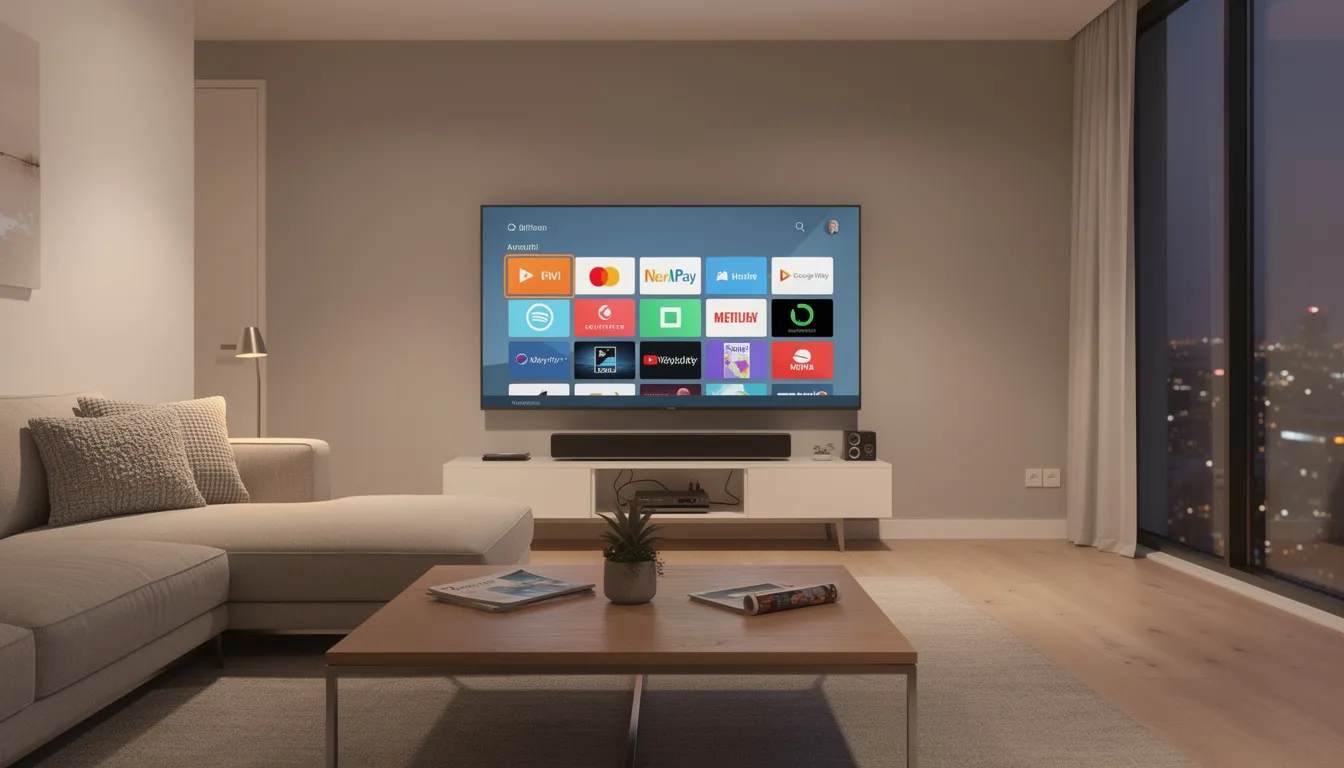
IPTV, or Internet Protocol Television, is transforming the way we watch TV by delivering live TV channels and on-demand content directly over your internet connection. Unlike traditional satellite TV or cable services, IPTV uses the power of high speed internet to stream your favorite programs, movies, and sports events right to your smart TV, set top box, or other compatible devices. This means you can watch live TV and access a wide variety of TV channels from around the world, all without the need for a satellite dish or complex wiring. With IPTV, all you need is a reliable high speed internet connection and a subscription from a reputable provider to unlock a world of entertainment. Whether you’re interested in local news, international channels, or the latest on demand content, IPTV offers a flexible and modern way to enjoy TV on your terms.
How IPTV Works (From Internet to Your Screen)
Understanding the delivery path helps you troubleshoot problems and optimize your setup. Here’s the simplified flow:
Content is encoded at provider servers (the “head-end”)
Video travels as IP packets over broadband networks
Your app or set top box decodes the stream
The decoded video displays on your TV screen or mobile device
Several components make this possible. Video servers and content delivery networks handle encoding and distribution. Managed IP networks or the public internet carry the traffic. Your router and home network deliver packets to your device. Finally, an IPTV app or dedicated IPTV box decodes and renders the video.
For live TV, IPTV uses multicast delivery—one stream serves many viewers simultaneously using protocols like IGMP, and IPTV operates using protocols such as Real-time Streaming Protocol (RTSP) for live content delivery. For video on demand and catch-up TV, the system uses IP unicast streams—a dedicated, point-to-point stream just for you, pulled from servers when you request it. This enables personalized viewing experiences.
What do you actually need as a viewer? A broadband internet connection delivering 20-25 Mbps handles a single HD stream comfortably. For 4K content or multiple devices streaming simultaneously, target 50+ Mbps. You’ll also need a compatible device and either an IPTV app or provider-supplied equipment.
Main IPTV Formats and Service Types
“IPTV” covers several distinct viewing modes that mirror and extend what traditional television offered:
Live TV delivers real-time channels similar to classic broadcast, often referred to as live television. Think live sports, breaking news, and scheduled programming. Services like Sling TV and YouTube TV focus heavily on this format.
Time-shifted or catch-up TV lets you watch shows that aired in the past 24-72 hours (sometimes longer). BBC iPlayer in supported regions exemplifies this model. You missed the 8 PM news? Start it at 10 PM.
Video on demand provides movies and series libraries available anytime. This is the Netflix model—start watching whenever you want, pause, resume across devices.
Near-video-on-demand and pay-per-view offer scheduled movies or events with staggered start times, common for major sporting events or new movie releases.
The key difference from traditional television: IPTV streams content when you request it, rather than broadcasting everything simultaneously and hoping you tune in. IPTV allows users to pause, rewind, and fast-forward live TV, and often features interactive capabilities. It also enables features like customized channels, remote recording capabilities, and real-time navigation through an Electronic Program Guide (EPG).
IPTV Architecture (Simple View, Expert Accuracy)
This is a simplified expert overview—not a full engineering specification—but understanding basic network architecture helps explain why some services perform better than others.
Centralized architecture in IPTV deployment stores most content on a few large data centers. This approach is simpler to manage but bandwidth-intensive, especially during peak viewing when everyone streams from the same source.
Distributed architecture in IPTV deployment places regional or edge servers closer to viewers. Content gets cached at multiple points, reducing the distance data travels. This cuts latency and buffering significantly. Distributed architecture offers bandwidth usage advantages and inherent system management, making it especially beneficial for large-scale IPTV deployment. Its inherent system management features enhance scalability and efficiency, allowing for more effective handling of complex server networks.
Telecom-grade IPTV typically runs on a managed service provider’s network with quality of service guarantees. Your ISP reserves bandwidth specifically for TV traffic, ensuring your IPTV streams don’t compete with your neighbor’s gaming session. Pure public-internet OTT lacks these guarantees.
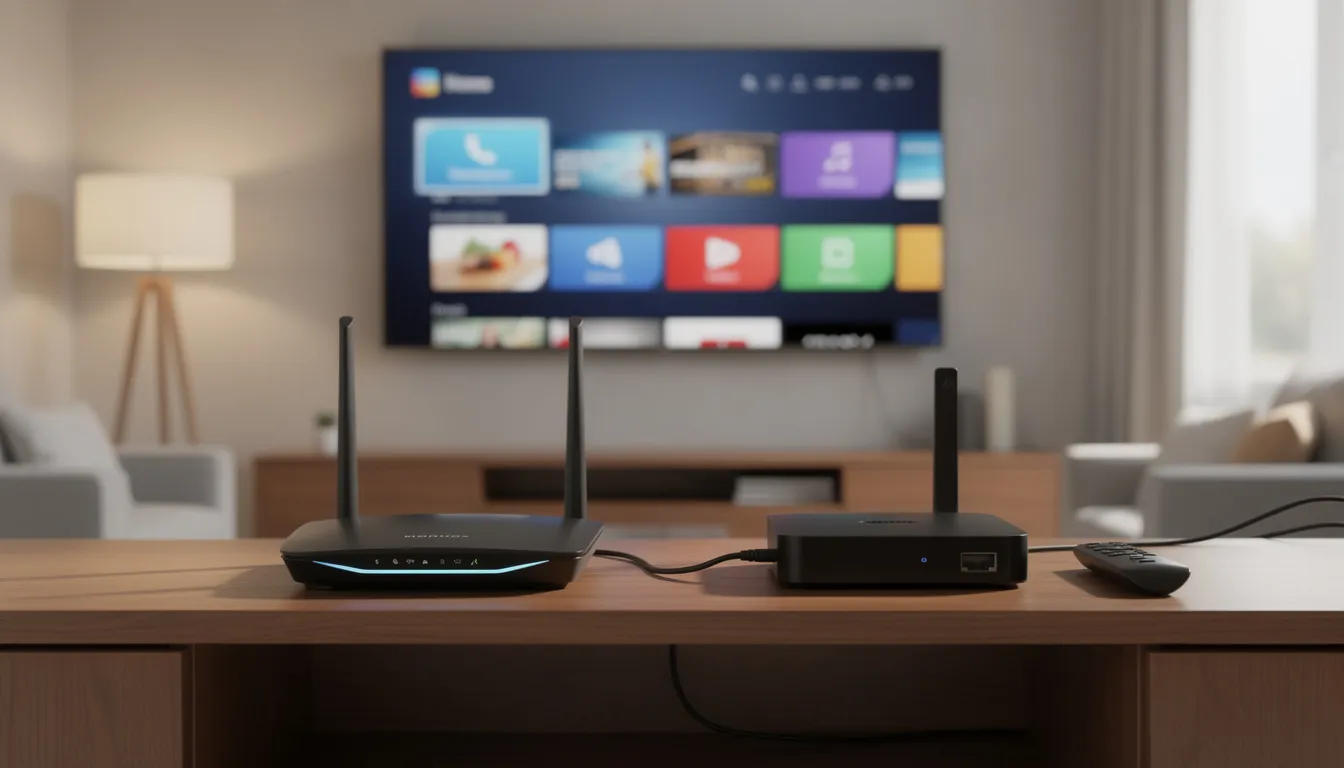
Your home network matters too. A wired connection via Ethernet almost always outperforms Wi-Fi for IPTV stability. Old routers, crowded Wi-Fi channels, and distance from access points all introduce latency and packet loss that cause buffering.
Under the hood, IPTV commonly uses standardized video codecs like H.264 and H.265 (HEVC) for compression, wrapped in container formats like MPEG-TS for transport.
Cloud-based PVR allows for storage in the network, enabling access to recorded content from any device.
IPTV Content and Features
One of the biggest advantages of IPTV services is the sheer variety of content and features they provide. With IPTV, you can access a vast selection of live TV channels, including popular sports, news, and entertainment networks, as well as niche and international programming that may not be available through traditional providers. Many IPTV providers also offer robust video on demand (VOD) services, allowing you to watch movies, TV shows, and exclusive content whenever you want. Time shifted TV and catch-up features let you revisit missed episodes or watch programs at your convenience, making it easy to keep up with your favorite shows. IPTV apps, available on platforms like Apple TV and Android devices, make it simple to browse, search, and manage your content across multiple screens. Whether you prefer live TV, binge-watching series, or exploring new releases, IPTV services deliver a comprehensive entertainment experience tailored to your preferences.
IPTV vs Traditional TV and OTT Streaming
The practical differences for viewers go beyond cables and protocols. Here’s what actually changes when you switch from cable TV or satellite TV to IPTV.
IPTV vs Cable/Satellite:
Aspect | IPTV | Cable/Satellite |
|---|---|---|
Delivery | IP packets over broadband | RF signals over coax or satellite dish |
Device flexibility | Smart TVs, phones, tablets, streaming boxes | Usually one TV per receiver box |
On-demand access | Built into most services | Often limited or extra cost |
Infrastructure needs | Robust internet connection | Physical cable runs or dish installation |
Channel changing | Server-side stream switching | Local tuner selection |
IPTV vs OTT Streaming:
Aspect | Managed IPTV | OTT Services |
|---|---|---|
Network | Often reserved bandwidth on service provider’s network | Competes with all other internet traffic |
Reliability | More consistent quality with QoS guarantees | Variable based on congestion |
Latency | Lower, especially for live events | Can be higher, 30-60 second delays common |
Business model | Channel bundles resembling cable | Standalone app subscriptions |
The market shift is measurable. US cable and satellite penetration dropped from over 90% of TV households in 2015 to roughly 60% by 2024. IPTV penetration hit 30% of US pay-TV households, while fiber-heavy European markets like Scandinavia exceed 50%. Global IPTV subscribers reached over 200 million by 2023.
Your choice depends on priorities: sports fans needing low-latency live channels, movie buffs wanting deep VOD libraries, cost-conscious viewers seeking flexibility, or families needing multi-device access.
Pros and Cons of IPTV for Viewers
IPTV isn’t automatically “better” than cable or satellite—it’s a different set of trade-offs. Understanding both sides helps you decide if it fits your situation.
Advantages:
Flexibility leads the list. Watch live TV and on demand content on your smart TV, phone, tablet, game console, or streaming box. Your favorite channels follow you across devices, and many services let you continue watching where you left off.
Content variety expands significantly. IPTV services often include international channels, niche genres, and extensive VOD libraries that cable packages couldn’t economically deliver. Canadian customers, for instance, can access channels from multiple countries through various IPTV providers.
Features surpass traditional TV. Pause live TV, restart programs already in progress, use cloud DVR, watch on multiple screens simultaneously, and get personalized recommendations based on viewing history. Time shifted TV becomes standard rather than premium.
Cost optimization becomes possible. Mix subscription IPTV with free ad-supported streaming from Pluto TV or Tubi, add specific on demand content rentals, and potentially pay less than a comprehensive cable bundle.
Disadvantages:
Internet dependency is absolute. Poor or unstable broadband means buffering, freezing, and pixelation. Cable TV works even when your internet goes down—IPTV doesn’t. Connection speed directly determines stream quality.
Hardware and setup requirements exist. You may need newer routers, set top boxes, or smart TVs. Apps occasionally need troubleshooting, updates, and configuration. The technology isn’t as “plug and play” as traditional TV.
Fragmentation complicates choices. TV content gets split across multiple IPTV services and streaming apps. You might need three or four subscriptions to match what one cable package provided. Managing multiple apps, logins, and billing becomes its own chore.
Unlicensed services pose real risks. Those “cheap IPTV lists” selling thousands of channels for $10/month often violate copyright law. They shut down without warning, may contain malware, and can expose you to legal liability. Always choose licensed, reputable IPTV providers and check regional availability before subscribing.
IPTV and Consumer Choice
IPTV has redefined consumer choice in the world of television. Unlike satellite TV or traditional TV packages that often bundle unwanted channels, IPTV services empower viewers to customize their TV content lineup. You can select only the channels and genres you care about, avoiding the clutter and cost of unnecessary extras. This personalized approach means you’re in control—add or remove channels as your interests change, and scale your subscription up or down to fit your needs. IPTV also makes it easy to watch TV on your own schedule and on your preferred devices, whether that’s a smart TV in the living room or a tablet on the go. This flexibility and convenience have made IPTV a top choice for viewers who want a more tailored and cost-effective way to enjoy their favorite TV content.
How to Start Using IPTV in 2026 (Step-by-Step)
Getting started with IPTV takes about 30 minutes if you prepare properly. Here’s the practical onboarding path.
Step 1 – Check your internet
Run a speed test from your TV’s location using fast.com or speedtest.net. You need approximately 20 Mbps per HD stream—so a household with two simultaneous viewers needs 40+ Mbps. For 4K content, budget 25-50 Mbps per stream.
Raw speed matters less than consistency. Look for low latency (under 50ms) and minimal jitter. If your speed fluctuates wildly during the test, expect buffering during peak viewing.
Step 2 – Choose your IPTV type
Three main categories exist:
ISP-bundled IPTV: Fiber or cable providers offering TV packages alongside internet service
Standalone live TV services: YouTube TV, Hulu + Live TV, Sling TV, FuboTV
Free ad-supported apps: Pluto TV, Tubi, Plex Free TV
Consider your content needs first. Local channels for news? Major sports leagues? Kids programming? International channels? Make a list of must-haves before comparing popular IPTV services.
Step 3 – Pick your device
Device categories include:
Smart TVs: Samsung, LG, Sony, TCL with Android TV or proprietary systems
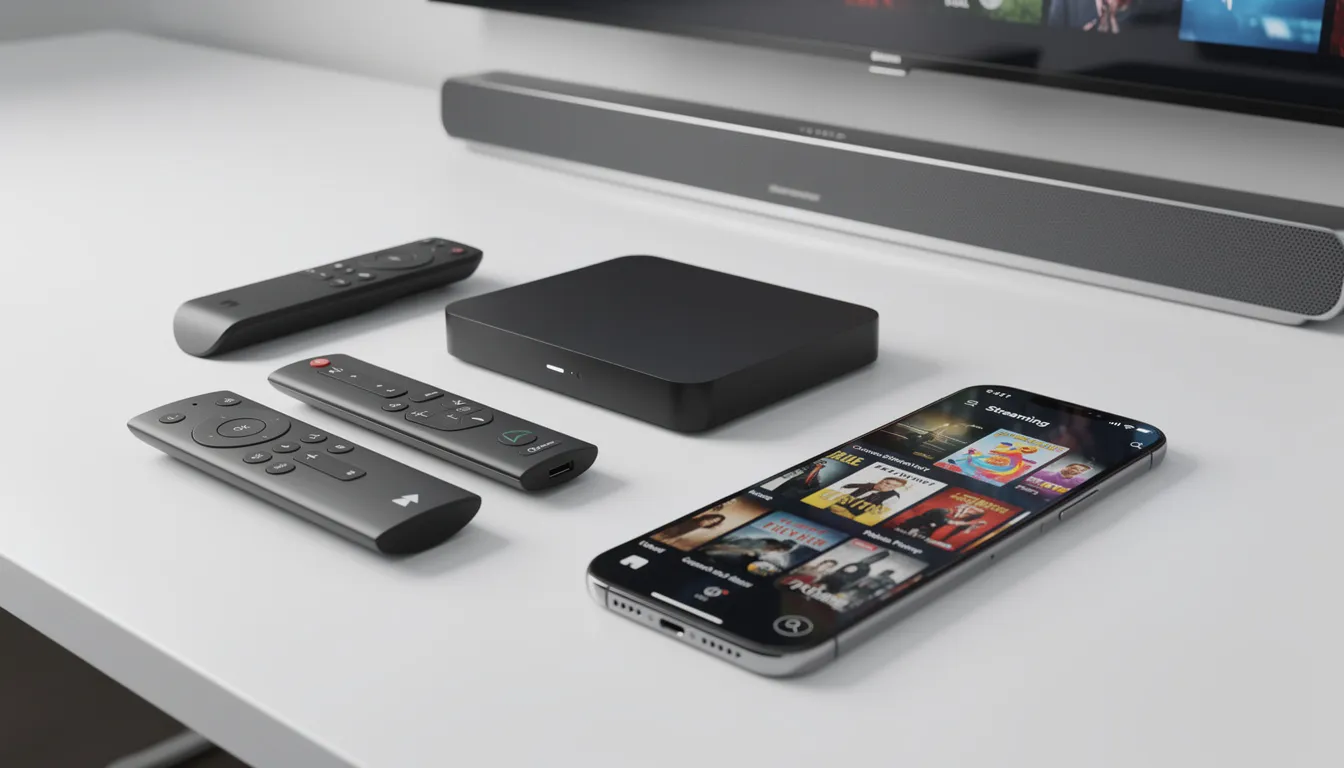
Streaming sticks/boxes: Roku, Fire TV, Apple TV, Google TV, Chromecast
Mobile devices: iOS and Android phones and tablets
PCs and laptops: Browser-based or desktop apps
Game consoles: PlayStation, Xbox with native IPTV apps
Older “dumb” TVs need an external IPTV box or HDMI streaming device to access IPTV channels.
Step 4 – Install an IPTV player
Most major services have branded apps in your device’s app store. Search, install, and launch. Alternatively, you can use a generic IPTV player such as GSE SMART IPTV, UHF IPTV, or Kodi. An IPTV player offers compatibility with various devices, playlist management, streaming support through M3U/M3U8 files, EPG integration, casting options, and a user-friendly interface. Note that IPTV players do not provide content themselves; you must add your own playlists, and always consider legal aspects when sourcing content.
App development has significantly enhanced IPTV services, introducing features like watch lists and user profiles that improve the user experience and help services adapt to modern online entertainment trends.
Step 5 – Sign in and configure
Log in with your subscription credentials or load the playlist URL from your provider. You can add M3U or M3U8 links from online websites or local folders on your device to watch IPTV content. Basic tuning includes:
Setting video quality defaults (auto usually works; manual if bandwidth-limited)
Enabling subtitles if needed
Configuring parental controls
Connecting cloud DVR if available
Step 6 – Optimize your setup
A wired connection via Ethernet eliminates most streaming problems. If Wi-Fi is necessary, use modern Wi-Fi 5 or Wi-Fi 6 routers on 5 GHz bands. Place your router centrally, avoid congested channels, and pause heavy downloads during peak viewing times.
Using IPTV on Popular Devices (Smart TV, Box, Mobile)
Exact steps differ by brand, but fundamentals stay consistent across platforms.
Smart TVs (Samsung, LG, Android TV)
Open your TV’s app store—Samsung has the Smart Hub, LG has the LG Content Store, Android TV uses Google Play. Search for your IPTV service by name, install, and sign in. Some IPTV players aren’t available on all TV platforms; sideloading support varies by manufacturer.
Streaming sticks and boxes (Fire TV, Roku, Apple TV, Google TV)
Navigate to each platform’s app store and search for your service. Fire TV supports sideloading for third-party IPTV apps not in the Amazon store—useful for generic players. Roku is more restrictive; you may need to cast from a phone using screen mirroring.
Smartphones and tablets (iOS, Android)
Install the provider’s official app from the App Store or Google Play. Watch content anywhere with Wi-Fi or cellular data. Be aware of data usage on mobile networks—streaming burns through GB quickly. Save heavy viewing for Wi-Fi.
PCs and laptops (Windows, macOS, Linux)
Many IPTV services offer web players accessible via browser—no installation required. Some provide desktop apps for additional features. Use up-to-date browsers and enable hardware acceleration in settings for smoother playback of digital video.
Game consoles (PlayStation, Xbox)
Several major IPTV and streaming apps have native console versions. Check each console’s store for the desired live TV app. Consoles work well as full media hubs, consolidating gaming, streaming, and live TV in one device.
Security, Privacy, and Legal Considerations with IPTV
This section is educational and encourages lawful use only. Understanding the landscape helps you make informed choices.
Legal IPTV vs “gray” IPTV
Licensed IPTV services pay for content rights and operate transparently. YouTube TV, Sling TV, and ISP-bundled packages fall into this category. Unlicensed services—often sold cheaply via social media, forums, or unknown websites—restream channels without rights.
Risks of unlicensed services are real: abrupt shutdowns with no refund, zero customer support, legal exposure depending on your jurisdiction, and potential malware in apps downloaded from unofficial sources. The security service of legitimate providers protects your data; gray-market apps may harvest it.
Geo-restrictions and travel
Many IPTV and live TV platforms are restricted to specific countries due to content licensing. Your channel lineup may change or disappear entirely when logging in from abroad. Content providers negotiate rights country-by-country, creating a patchwork of availability.
Privacy and ISPs
Your IPTV usage is visible to your ISP. On managed IPTV from your service provider, detailed viewing data is collected. Some ISPs throttle heavy video traffic or specific services during peak hours, affecting stream quality.
Role of VPNs
Reputable VPNs can protect privacy on public Wi-Fi, potentially reduce throttling by hiding traffic type, and sometimes maintain access to home-region content while traveling. However, using a VPN does not make illegal streaming legal. You must still respect copyright and local law regardless of VPN use.
Practical safety tips:
Use strong, unique passwords on IPTV accounts
Enable two-factor authentication where available
Download apps only from trusted stores or official websites
Keep devices and apps updated with security patches
Avoid “too good to be true” offers promising thousands of channels for minimal cost
Common IPTV Problems and How to Fix Them
Even well-configured IPTV systems encounter issues. Here’s how to diagnose and resolve the most common problems.
Buffering, freezing, or poor quality
Check actual speed and Wi-Fi signal strength at your viewing location. Move closer to the router or connect via Ethernet. Reduce resolution from 4K to 1080p or 720p when bandwidth required exceeds what’s available.
Reboot your router and IPTV device—this clears memory and reestablishes connections. Close background downloads, cloud backups, and other apps consuming bandwidth. If problems persist during peak evening hours, your ISP may be congested.
Channels not loading or missing
Refresh or reload your playlist and EPG. Check provider status pages or social media accounts for outage announcements. Verify your subscription is active and paid.
Channels sometimes disappear due to licensing changes—your provider may lose rights to specific TV networks in your region. This isn’t a technical problem but a business one.
App crashes or glitches
Clear app cache where supported (usually in device settings), then uninstall and reinstall the app. Ensure your device’s operating system is up to date.
Very old smart TV firmware or devices with insufficient storage commonly cause instability. If crashes persist, consider upgrading to a newer streaming device with more RAM and storage.
Audio/video sync issues
Toggle audio delay or lip-sync settings if available in the app or your TV’s audio menu. Try switching to another channel briefly, then returning—temporary network hiccups can desync streams.
If the problem affects only certain channels, report it to your provider. AV sources sometimes have encoding issues at the head-end.
Account or login problems
Confirm username and password carefully—copy-paste if possible. Check for multi-device limits; some IPTV subscriptions restrict simultaneous streams. If lockouts persist after password reset, contact provider support directly.
Tips to Optimize Your IPTV Experience
A quick performance checklist for reliable streaming:
Network optimization:
Use wired Ethernet for your primary TV or IPTV box
If Wi-Fi is necessary, use 5 GHz bands with a modern router
Minimize interference from other electronics and neighboring networks
Hardware considerations:
Use devices supporting modern codecs (H.264/H.265) with adequate RAM
Avoid bottom-tier streaming sticks with limited processing power for 4K content
Software maintenance:
Keep IPTV apps, device firmware, and router firmware updated
Updates fix bugs and improve performance with larger server network compatibility
Service selection:
Choose providers with documented uptime, robust delivery network infrastructure, and clear communication during outages
Read recent reviews—service quality changes over time
Bandwidth management:
Monitor data caps on mobile or capped broadband plans
IPTV can consume many GB per month—an easy to manage solution is reducing default quality when caps are tight
Is IPTV the Future of Television?
IPTV and OTT are now the dominant growth areas while traditional cable and satellite decline. This isn’t speculation—it’s observable market movement backed by subscriber data and infrastructure investment.
Global IPTV market estimates project growth toward $200+ billion by 2030. Cord-cutting continues in North America and Europe, with traditional TV networks losing subscribers yearly while IP-based alternatives gain them. The 200+ million global IPTV subscribers in 2023 are projected to reach 300 million by 2028.
“IPTV” itself is evolving beyond telco-managed services into a broader ecosystem. App-based live TV, FAST (free ad-supported television) channels like Pluto TV and Tubi, and hybrid IPTV/OTT setups now dominate new viewer acquisition. The distinction between “IPTV” and “streaming” blurs as sophisticated content distribution technologies converge.
Infrastructure improvements accelerate adoption. Fiber rollout, DOCSIS 3.1/4.0 cable upgrades, and 5G home internet make high speed internet connection available to more households globally. Where bandwidth was once a limiting factor, it’s increasingly solved—enabling comprehensive content distribution system deployment to a global audience.
For most viewers, the practical future of television is a mix: IPTV-style live channels for news and sports, on demand streaming for movies and series, free ad-supported content for casual browsing—all accessible through a single app-driven interface on any screen.
The effective delivery mechanism is IP. Whether we call it IPTV, streaming, or something else, media content travels as packets over networks. Traditional broadcast isn’t disappearing overnight, but the growth trajectory is clear.
FAQ: What Is IPTV and How Should You Use It?
These questions address practical angles not fully covered in the main guide, based on what viewers commonly ask when evaluating or troubleshooting IPTV services.
Is IPTV legal to use?
IPTV is a delivery technology—completely legal when multimedia content is properly licensed. Services like YouTube TV, Sling TV, and ISP-bundled TV operate fully within the law. Legal issues arise with unlicensed services that restream live channels without broadcasting rights, which violates copyright law in most countries. Stick with well-known, regulated providers. If a service seems too cheap or doesn’t clearly state licensing terms, that’s a red flag.
Do I need a special IPTV box, or is my smart TV enough?
Most modern smart TVs and streaming sticks run IPTV apps directly without dedicated hardware. Samsung, LG, and Android TV platforms support major streaming apps natively. Older TVs generally need an external device—an Android TV box, Fire TV Stick, or Apple TV—connected via HDMI. Power users sometimes prefer dedicated boxes because they’re faster, more upgradable, and support more app options than built-in smart TV software.
How much internet data does IPTV use per hour?
Expect roughly 1-2 GB per hour for 720p HD, 3-4 GB per hour for 1080p, and 7-10 GB per hour for 4K content. Actual usage depends on compression efficiency—H.265/HEVC uses less data than H.264 at equivalent quality. If you have data caps, check your plan limits and consider lowering default video quality. Some providers publish specific bitrate and data-usage estimates in their help documentation.
Can IPTV replace my cable or satellite subscription completely?
For many viewers, yes. IPTV combined with a few on demand apps fully replaces traditional television. However, gaps exist: local and regional channels, certain sports leagues, and niche networks may require specific IPTV packages or remain locked to legacy platforms in some regions. Before canceling cable, list your must-have channels—live sports, local news, specific TV networks—and verify that legal IPTV providers in your area carry them.
What should I look for when choosing an IPTV provider?
Focus on channel lineup relevance (local stations, sports, news), stream quality and reliability, app quality across your devices, and transparent pricing. Check independent reviews for uptime history and customer support responsiveness—not just the lowest price. Verify the provider clearly states its content licensing and operates within applicable regulations. If the company can’t explain where their channel rights come from, they probably don’t have them.
Conclusion
In conclusion, IPTV is a groundbreaking technology that has revolutionized the way we experience television. By offering a flexible, customizable, and user-friendly approach to content delivery, IPTV stands out as a superior alternative to traditional TV services. Whether you’re interested in live TV, on demand content, or a mix of both, IPTV provides a wide range of options to suit every viewing preference. As more consumers make the switch from traditional TV to IPTV, service providers are continually innovating to deliver even better features and content choices. With its ease of use, adaptability, and extensive content library, IPTV is poised to remain a leading force in the entertainment industry for years to come. Staying informed about the latest IPTV developments ensures you’ll always have access to the best in modern TV.